
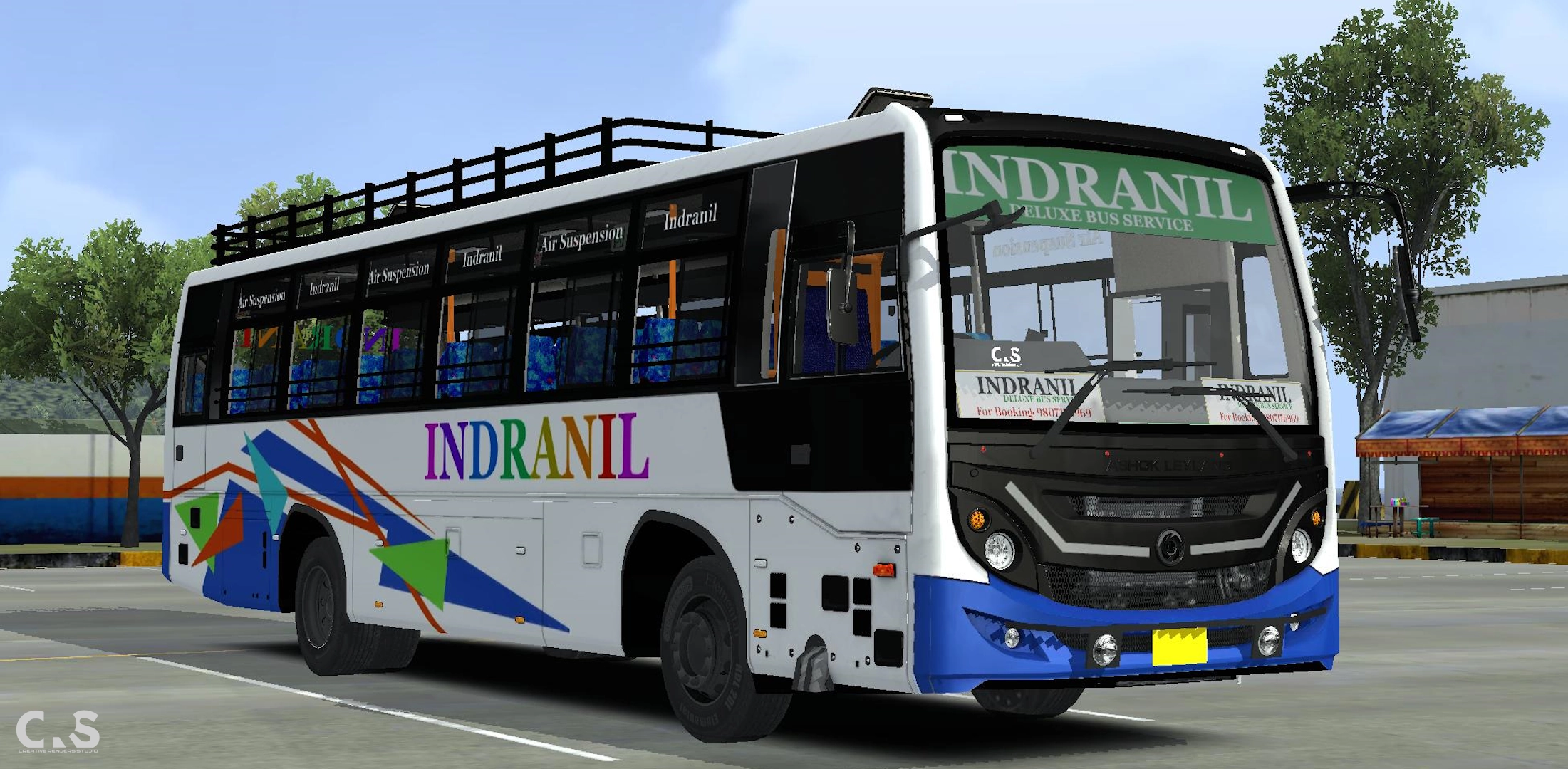
Ashok Leyland Oyster Ordinary Seater
Features:
- Realistic Exterior
- Detailed Interior
- Real Lights, Suspension
- 3 Animation Keys
- Added Accessories
- Passenger View as driver view
About this Mod/Skin:
This is a high detailed, Indian vehicle mod for Bus Simulator Indonesia/India, created and published by CRS Creations. My goal is to bring the most authentic gaming experience to your mobile screen. I spent countless hours in Blender and BVE to ensure that every curve, headlight, and interior detail matches the real-world vehicles you see on Indian roads, whether it's suspension, livery or engine sounds, as I understand that being a simulator games fan, the small things matter. Every single texture and mesh is optimized and detailed, while keeping the file size low as possible so your game doesn't lag or crash.
Mod Informations
To keep things transparent and show the technical work behind the scenes, here are the general specifications for our mods.
> High-detailed yet optimized exterior with high detailed interior and driver cab.
> Working doors, windows, wipers, 3 animation keys and matching steering wheel rotation with steering ui.
> interior ambient lighting for night driving.
> Fully tested on the latest versions of Bus Simulator Indonesia (BUSSID) and Bus Simulator India (BUSSIN). Note: you may face no engine sound in BUSSIN which is a game bug.
Specs: Compatible with Latest Version of BUSSID and BUSSIN.
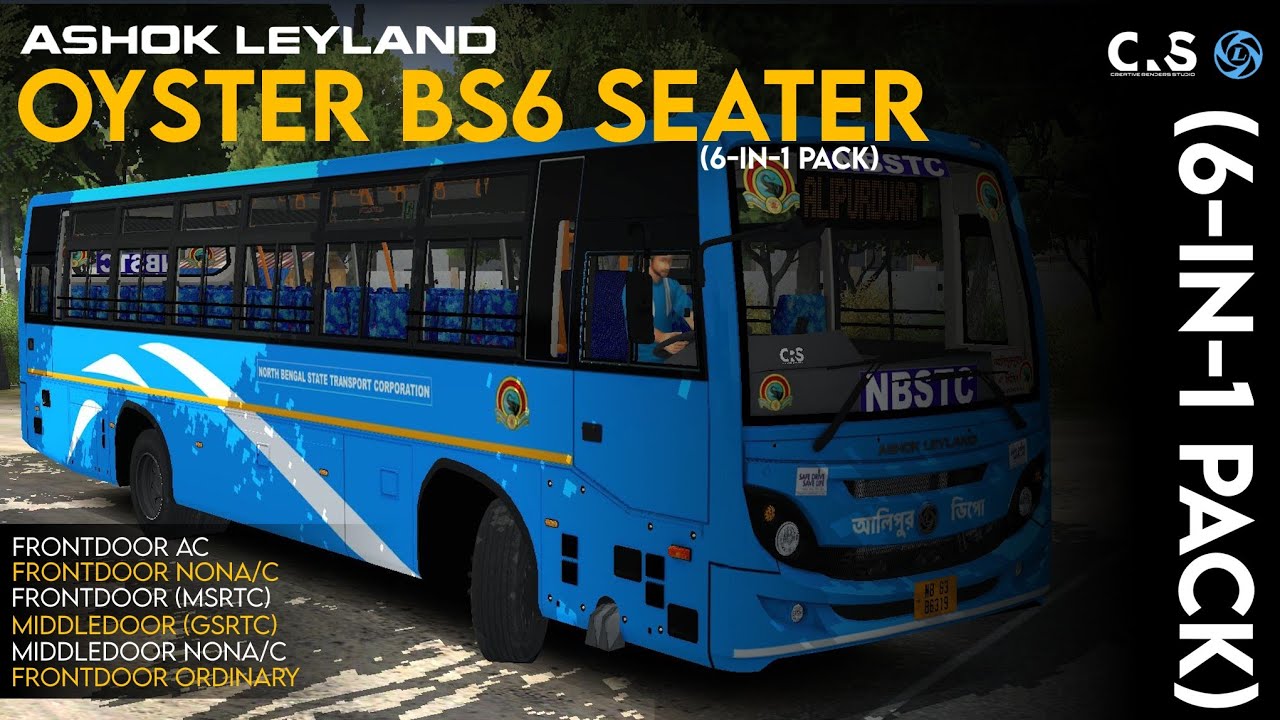
Original Video:
How to Install (Step-by-Step)
Simple ways to install vehicle mod:
> Click on 'check details' button.
> Scroll down, wait until the file is ready, verify recaptcha, and confirm download.
> You'll be redirected to file download page, wait for 5 seconds and file will start downloading automatically.
> Open your File Manager and find the downloaded zip file (usually in the "Downloads" folder). extract it and you'll get a .bussidmod file
> Copy or Move the .bussidmod file to the following directory: Internal Storage > BUSSID > Mods (or Internal Storage > Documents > BUSSID > Mods).
> Open your game and go to the Garage section, and all set.
If it's a livery/template:
> Click on 'check details' button.
> Scroll down, wait until the file is ready, verify recaptcha, and confirm download.
> You'll be redirected to file download page, wai for 5 seconds and file will start downloading automatically.
> Open your File Manager and find the downloaded zip file (usually in the "Downloads" folder). extract it and you'll get the livery.
> You can either move it in DCIM or keep where it is.
> Open your game, select the mod, locate the livery/template, apply it and all set.